Ollama to vLLM: When Your Local Server Needs to Grow Up
Ollama is the easiest way to run a local model, until the experiment becomes a shared service. Requests queue, latency wobbles, prefixes recompute, and one GPU stops being enough. vLLM answers exactly those problems — but migration is a trade, not an upgrade: simplicity for scheduling, memory control, parallelism, and production operations.
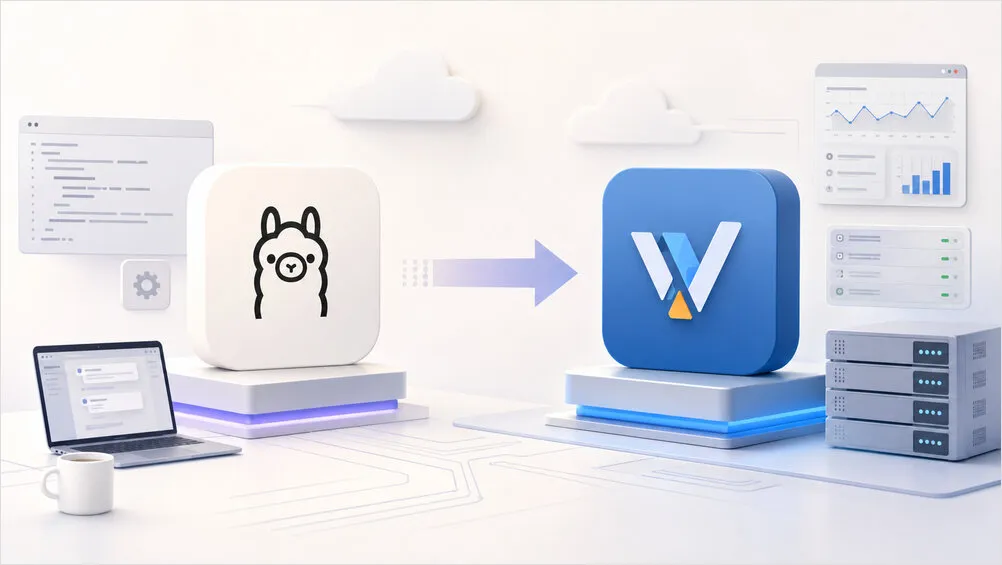 From convenient single-user serving to scheduled, observable multi-user inference
Different Problems, Similar APIs
Ollama optimizes convenient consumption: CLI, model library, Modelfiles, desktop configs. vLLM is an inference engine and serving platform: request scheduling, KV cache management, continuous batching, model parallelism, OpenAI-style APIs. Both expose chat endpoints and stream tokens — the operating models diverge only under sustained or concurrent load:
| Requirement | Ollama | vLLM |
|---|---|---|
| Fast local setup | Excellent | More involved |
| Curated model downloads | Excellent | Hugging Face based |
| GGUF workflow | First-class | Supported, not the strength |
| Single-user chat | Excellent | Often unnecessary |
| Concurrent API traffic | Limited, configurable | Core use case |
| Continuous batching | Not the model | Core feature |
| Prefix cache reuse | Limited control | Built-in optimization |
| Multi-GPU serving | Limited | Tensor and pipeline parallelism |
| Production metrics | Basic timing fields | Prometheus endpoint |
Signals You Outgrew Ollama
A slow response alone justifies nothing — model size, quantization, bandwidth, and GPU dominate single-request speed. Migration signals appear when workload shape matters:
- Unstable multi-user latency. Requests wait behind long generations, time to first token scatters. Ollama’s
OLLAMA_NUM_PARALLELcaps concurrent requests but memory grows with parallel count times context — a config fine for one 8K chat breaks with four large-context clients. - Low GPU utilization with queued requests. Serialization idles the accelerator while work waits. vLLM’s scheduler plus paged KV cache blocks keep more useful work in flight — better aggregate throughput under load, not necessarily faster single requests.
- Prefill-dominated first tokens. Coding assistants, RAG, and agent sessions resend long shared prefixes. vLLM’s chunked prefill and automatic prefix caching reuse computed blocks for identical leading tokens — worthless without actually shared prefixes.
- Models bigger than one GPU. Tensor parallelism across GPUs and pipeline parallelism across nodes are deliberate vLLM paths; interconnect, topology, and shared memory still bite.
- Dependents need observability. Ollama’s per-response timings suffice locally; vLLM’s
/metricsexposes volume, queueing, first-token and inter-token latency, cache use, preemptions, and outcomes. Without those you can’t distinguish undersized GPU from oversized context, cold loads, or plain overload.
Where Ollama Still Wins
Don’t demote it to a toy: personal workstations (one developer, occasional API — vLLM’s setup never pays back), curated GGUF collections with tuned Modelfiles (vLLM prefers AWQ/GPTQ/FP8 Hugging Face checkpoints; migrating GGUF keeps migration pain while missing performance gains), CPU/RAM-offloaded inference that doesn’t fit VRAM, rapid multi-model switching for evaluation, and zero-admin single-user setups with acceptable latency. If there’s no measured concurrency problem, migration manufactures work.
Measure, Don’t Benchmark Tokens Alone
Single-request decode speed barely discriminates the engines. Evaluate time to first token, inter-token and end-to-end latency, prefill and decode throughput, completions per minute, queue wait, VRAM consumption and utilization, failure rate — same model family, precision, context, prompts, output caps, and concurrency on both. Best test: a small load run shaped like real traffic, long system prompts, repeated prefixes, streaming, two to eight sessions.
Migrate Models Before Servers
Ollama names don’t map to vLLM identifiers: pin family and version, base versus instruct tune, quantization and effective precision, chat template, context length, stop tokens and defaults, tool-calling and structured-output needs, LoRA adapters and system prompts. Then pick a matching supported checkpoint — an AWQ build won’t behave like the GGUF it replaces. The model migration usually outweighs the API migration.
Budget VRAM beyond weights: KV cache (grows with context times concurrency), CUDA graphs and runtime, workspace, multimodal caches, margin. Start --max-model-len at real usage, not the advertised maximum, and leave utilization headroom — stable slightly-under-provisioned beats OOM at the first spike.
Minimal vLLM Deployment
OpenAI-compatible server on port 8000:
services:
  vllm:
    image: vllm/vllm-openai:latest
    container_name: vllm
    restart: unless-stopped
    ports:
      - "8000:8000"
    ipc: host
    gpus: all
    volumes:
      - ${HOME}/.cache/huggingface:/root/.cache/huggingface
    environment:
      HF_TOKEN: ${HF_TOKEN:-}
    command:
      - --model
      - Qwen/Qwen3-8B
      - --served-model-name
      - local-model
      - --max-model-len
      - "16384"
      - --gpu-memory-utilization
      - "0.90"
      - --api-key
      - ${VLLM_API_KEY:-change-me}
cat > .env <<'EOF'
HF_TOKEN=
VLLM_API_KEY=replace-with-a-long-random-value
EOF
docker compose up -d
docker compose logs -f vllm
curl http://localhost:8000/v1/models \
  -H "Authorization: Bearer replace-with-a-long-random-value"
Pin the image to a tested release for anything maintained — flags, metrics, and engine behavior evolve. Clients mostly change base URL, key, and model name:
from openai import OpenAI

client = OpenAI(
    base_url="http://localhost:8000/v1",
    api_key="replace-with-a-long-random-value",
)

response = client.chat.completions.create(
    model="local-model",
    messages=[{"role": "user", "content": "Explain continuous batching."}],
    temperature=0.2,
)
print(response.choices[0].message.content)
But test the feature surface, not just connectivity: streaming events, parameters, template selection, tool-call parsing, reasoning output, JSON-constrained and embedding endpoints, multimodal inputs, usage reporting, error shapes, model discovery, context enforcement. Chat-only clients migrate easily; agent frameworks with parser dependencies don’t.
Chat Templates Fail Silently
Ollama bundles templates in model definitions; vLLM takes them from tokenizer config or explicit override. Wrong template still boots — symptoms show in behavior: echoed role labels, special tokens leaking, ignored system instructions, malformed tool calls, continued user messages, collapsed quality. Compare fully rendered prompts across deployments before blaming the engine.
Stage the Migration
Run both servers on different ports and validate sideways: reproduce the highest-traffic model first (tuning, context, parameters, chat behavior — not every experimental model); exercise integration tests against vLLM including streaming, cancellation, timeouts, tool calls, malformed input, overflow, and concurrency, recording differences instead of retry-hiding them; baseline single-request prompt/decode rates, first-token latency, and memory; then realistic concurrency with representative prompts watching queueing, cache, preemptions, and tail latency; move one noncritical client with Ollama as fallback; tune length, utilization, sequence caps, prefix caching, parallelism, and quantization one measured constraint at a time.
Pre-switch checklist: vLLM supports the model; checkpoint plus quantization fit VRAM with KV headroom; context length reflects usage; template correct; stop tokens and defaults tested; streaming, tool calls, structured output validated; model alias stable; auth enabled; no direct internet exposure; Prometheus and GPU metrics collected; realistic load tests pass; timeouts handled; Ollama rollback path intact.
Security and Topology Notes
Neither endpoint belongs on the open internet — unauthenticated inference burns GPU money and invites long-prompt denial of service. vLLM API keys are a start, not a boundary: terminate TLS, restrict networks, cap request sizes, rate-limit, log access behind a reverse proxy or gateway. Watch model-specific surface too: multimodal URL loading, custom model code, remote files, unrestricted tool execution.
Often the best architecture isn’t a replacement: keep Ollama on workstations for exploration, GGUF testing, and private chat while vLLM serves one stable model to teams:
  Ollama: experimentation --> model switching --> personal tools
  vLLM:   selected model --> shared endpoint --> concurrent traffic --> monitoring
Stay on Ollama while users number one or two, requests stay sequential, latency satisfies, GGUF management matters, offloading is structural, models churn, nobody wants platform duty, and no measured throughput problem exists. Migrate when queues, repeated-prefill waste, or multi-GPU necessity show in measurements — until then simplicity is an optimization, not a weakness. For the local-backend side of the same hosting question, see Claude Code with local backends.
What pushed you off a simple local server — concurrency, prefixes, or multi-GPU? Share the measurement in the comments below!