Virtualizations

Ceph 19.2.6, the CephX key rotation, and getting through it without losing sleep

Ceph 19.2.6, the CephX key rotation, and getting through it without losing sleep

17 min read

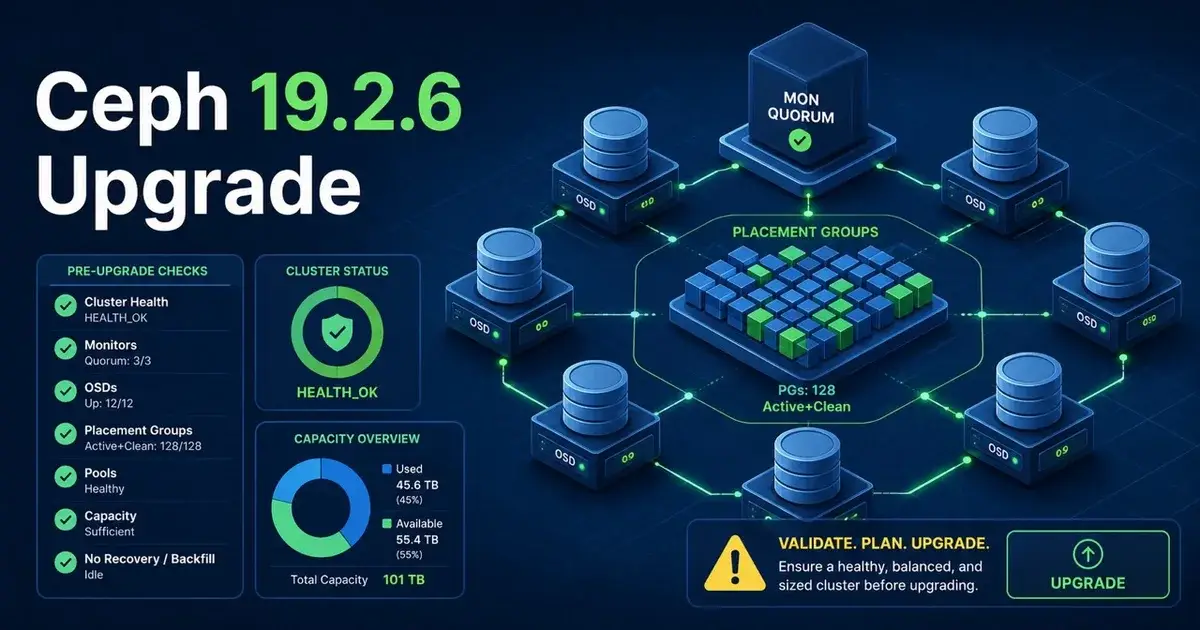
Ceph 19.2.6 is a security patch. What makes it different from every other Ceph patch you have shipped in the last five years is that the fix for the headline CVE introduces the first new CephX key type in the project’s history, aes256k. That turns “update the packages” into “migrate every credential in the cluster, on every node, for every client, without breaking the ones that are in use right now.”

This post walks through the whole thing: what the four CVEs actually are, how CephX authentication works well enough to understand why the rotation is hard, where the keys live on a Proxmox node, the preflight checks that save you during the upgrade, the Proxmox migration helper step by step, and the specific things that went wrong for people who did not follow the procedure.


Fixing Proxmox SDN: missing 'source /etc/network/interfaces.d/sdn' directive

Fixing Proxmox SDN: missing 'source /etc/network/interfaces.d/sdn' directive

7 min read

If you have ever applied a Proxmox VE Software-Defined Network configuration and seen this warning pop up in the task view, you are not alone:

WARN: missing 'source /etc/network/interfaces.d/sdn' directive for SDN support!
Created symlink /etc/systemd/system/multi-user.target.wants/dnsmasq@testzone.service -> /lib/systemd/system/dnsmasq@.service.

TASK WARNINGS: 1

It looks harmless, and in most cases it is. But if you want SDN-generated networks to actually come up on the node, that one line is the difference between a pending configuration and a running one. This post explains where the warning comes from in the Proxmox source code, why the fix is a single source directive, and how to verify the whole pipeline works afterwards.

Run Linux VM on macOS with Lima and Colima

Run Linux VM on macOS with Lima and Colima

4 min read

Running Linux virtual machines on macOS has become essential for developers working with containers, Kubernetes, and cloud-native technologies. Lima (Linux on macOS) and Colima (Containers on Lima) provide an elegant solution for running Linux workloads on Mac with minimal overhead and maximum compatibility.

Run Podman on macOS with Lima

Run Podman on macOS with Lima

5 min read

Running Podman on macOS through Lima provides a lightweight, Docker-compatible container runtime without the overhead of Docker Desktop. This setup is ideal for developers who want a rootless, daemonless container experience on Mac with minimal resource consumption.